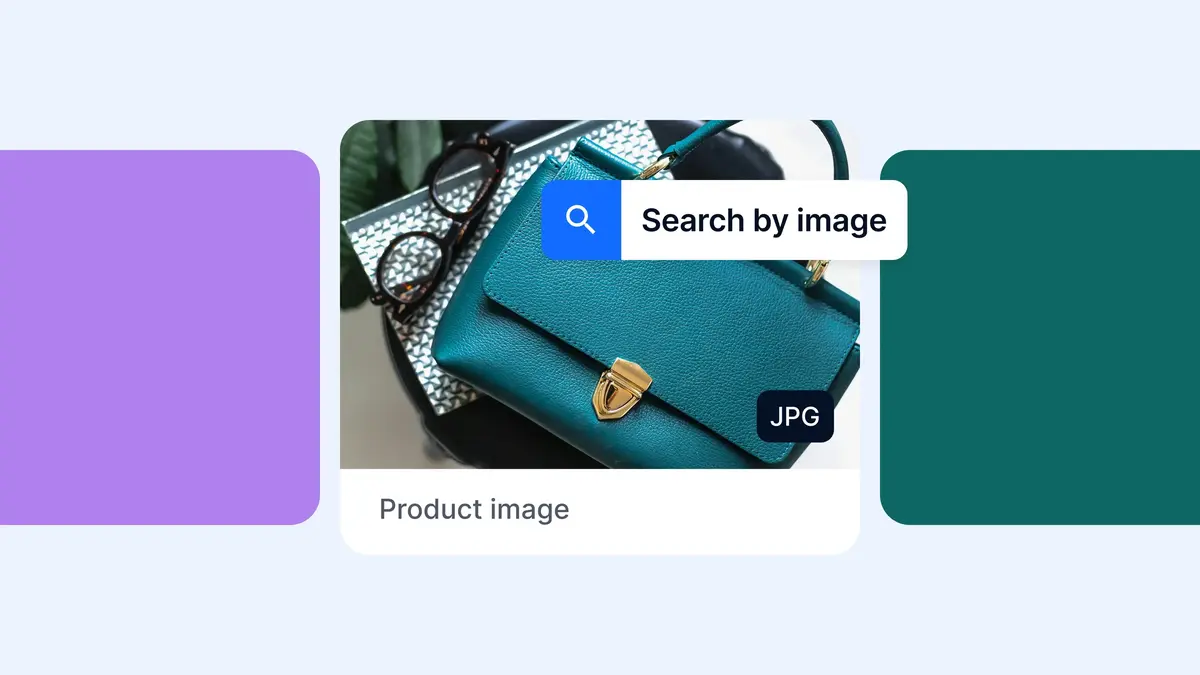
Finding the perfect image for your campaign is one thing… but finding it again in a digital asset library, especially when you don’t know its filename or how it’s been tagged, can be another challenge entirely.
With Bynder’s AI-powered Search by Image, all you need is an image to get started. Upload a version you’ve used before, or paste an external image URL, and Bynder helps you find matching and visually similar assets in the DAM, without having to rely on tags, filenames, or specific keywords.
Find what you need, and discover what else you have
When you can’t easily see what’s already in your DAM, it’s easy to waste time and budget recreating and repurchasing content you already own. And even when there isn’t an exact match to hand, there may be visually similar assets that could work just as well.
Bynder’s Search by Image gives you another way to uncover that content. Starting with a reference image, it searches the DAM for exact matches and visually similar assets, without relying on filenames, tags, or specific keywords.
Here’s where it can make a big difference:
- Find existing assets faster by surfacing exact matches as well as different versions, formats, or dimensions created for specific channels.
- Discover more options by using a reference image to uncover assets with similar subjects, compositions, or visual characteristics.
- Avoid unnecessary content spend by checking whether an image, or another alternative, already exists in your DAM before commissioning or purchasing something new.
Search by Image helps teams get more value from the content they already have, while reducing duplicated effort and unnecessary content creation costs.
Two ways to search, one simple process
Whether you have an image saved to your device or you’ve spotted it online, finding a match in Bynder DAM takes just a few clicks.
There are two ways to get started:
- Search by Image: Upload an image from your device to search for matching or visually similar content in your DAM.
- Search by URL: Copy and paste the direct URL of the image you’ve found online to run the same visual search, without needing to download a file first.
Bynder’s AI analyzes the reference image and searches your asset library, returning relevant results, including exact matches and visually similar alternatives.
In the example above, you can see how quickly an image found online can lead you to a corresponding asset or visually similar assets in the DAM.
It’s a simple way to make asset discovery more intuitive.
Search by Image, in our customers’ words
Wording for coloured tiles:
<Caesars Entertainment logo>
<AI-powered asset discovery across 27 brands and 52 properties.>
<700+ user hours saved through AI Search and automated metadata enrichment.>
For Caesars Entertainment, managing digital assets across 27 brands and 52 properties means making content easy to find and reuse.
The thing I love about Bynder is that it makes it very easy to find assets in a number of different ways. I love the facial recognition and the natural language searching and the text and image searching. All of that just makes it very easy to find assets and enables my end users also to be able to use those files.Michael Wall
Digital Asset Librarian at Caesars Entertainment
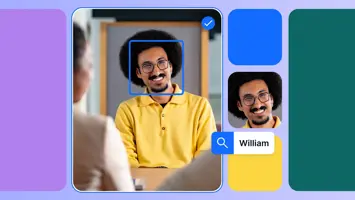
With Bynder at the center of its content ecosystem, Caesars uses AI-powered capabilities, including Search by Image, Face Recognition, and Text-in-Image Search, to improve asset discovery and content governance.