As marketing teams become more fluent in using AI assistants such as Claude and Copilot, they are moving beyond standalone tasks and integrating these tools more deeply into everyday workflows. AI assistants are increasingly becoming a primary work surface for ideation, creation, delivery, and interaction with other systems.
And as more marketing work moves into AI assistant user interfaces, a fundamental question follows: how can businesses ensure those workflows are governed properly, with the right brand protections, permissions, and guidelines in place? For example, where does the AI assistant get the current logo, approved campaign imagery, relevant metadata, or latest brand guidelines it needs, and how do existing permissions govern what the user can retrieve, see, use, and take into downstream workflows?
That information needs to come from a governed system of record. Bynder’s Digital Asset Management (DAM) platform stores trusted and approved assets, CX User Community content, and the context around them, while the AI assistant can serve as another interface through which teams access and work with that content. A Model Context Protocol (MCP) server connects the two. The Bynder MCP allows users to search, query, reference, and use trusted, approved assets and CX User Community content, from brand guides and campaigns to how-tos and training materials, without leaving their preferred AI assistant.
In a connected, composable martech ecosystem, MCP also enables external AI assistants to work with systems that are integrated across those workflows, reducing the need for people to navigate manually across different applications and systems.
Key takeaways
- MCP gives compatible AI assistants a standard way to connect to external systems and data, such as Bynder’s DAM.
- Today, Bynder MCP lets users search approved assets using their metadata and query CX User Community content, while existing access controls continue to apply.
- Bynder MCP can work alongside MCPs for systems such as PIM, CMS, and marketing automation to support more connected workflows.
What is an MCP server?
Model Context Protocol (MCP) is an open standard that enables compatible AI assistants to connect to external tools and data sources like Bynder. It provides a common way for an AI application to request information or capabilities from another system and receive the result. Without a standard such as MCP, organizations may need separate integrations between individual AI tools and individual enterprise systems.
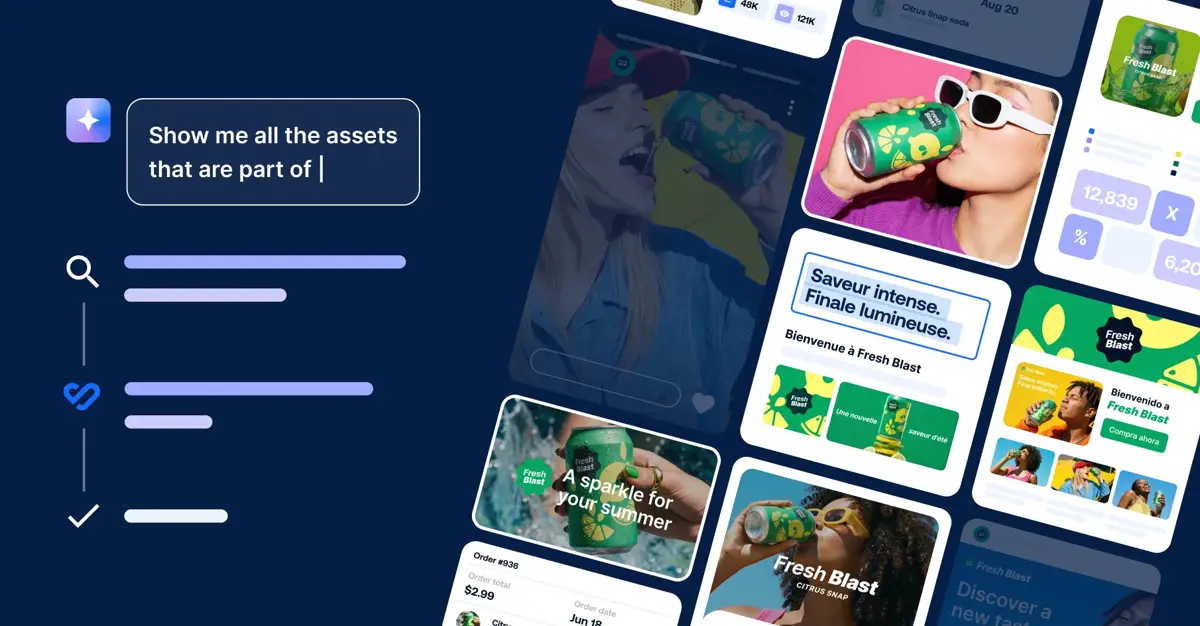
With Bynder MCP, that system is the DAM. A user can enter a natural-language prompt requesting relevant assets or information, and the AI assistant can retrieve trusted assets, metadata, and CX User Community content, including brand guides, campaigns, how-tos, and training materials, while the user remains in the AI environment where they are already working.
For Bynder, that means the AI assistant can draw on relevant assets and context held in the DAM instead of relying only on the information included in the user’s prompt.
What are the benefits of MCP for marketing and content teams?
Find content without leaving the AI tool you are working in
Marketers increasingly want to work from the tools already open in front of them rather than repeatedly switching systems. Imagine a marketer preparing campaign content, working in a tool like Claude. When they need the latest approved hero image, finding that asset may mean leaving the tool, opening the DAM, navigating the taxonomy, or remembering a filename, retrieving the asset, and then returning to the original task.
With Bynder MCP, that process can start where the marketer is already working. They can ask the AI assistant to find the asset using natural language, then refine the results conversationally by campaign, product, or another attribute rather than relying on an exact filename or manually navigating the DAM.
Give AI assistants a trusted source of context
A general-purpose AI tool does not inherently know whether a logo is current, whether an image is approved for use in France, which content a particular user is cleared to retrieve, or what the latest brand guidelines say. That information comes from the governed system of record.
With MCP, that context becomes available to the AI assistant, rather than needing to be reconstructed manually in every prompt. What the assistant can retrieve still depends on the structure underneath: asset retrieval relies on the metadata and taxonomy in the DAM, while collection access, approval status, rights, geography, and expiry continue to govern what each user can retrieve.
One workflow can draw on information and capabilities in different enterprise systems
Some marketing workflows depend on information held in more than one system. Consider a UK retail manager at a global fashion brand preparing an AW26 launch. She needs hero imagery for an A1 store-window poster and local paid social, so she asks the AI assistant to find the relevant approved campaign assets. But the global hero imagery features a product that is not stocked in the UK. Bynder holds the campaign assets and brand guidelines, while the PIM holds the market assortment and product information needed to identify what is available in that market.
In a connected MCP workflow, the AI assistant can draw product information from the PIM while Bynder provides the approved assets, usage information, metadata, taxonomy, and brand guidelines. From there, the content can move into a CMS or campaign workflow.
What can you do with the Bynder MCP?
Find the right approved asset without leaving your AI assistant
Today, Bynder MCP supports conversational asset search and retrieval using metadata, including titles, file attributes, and portal metaproperties. A broad request can be narrowed by campaign, product, or another attribute as the conversation continues.
Users retrieve only what they are cleared to see. Collection access, approval status, rights, geography, and expiry continue to apply.
A search might begin with:
“Show me approved hero images from the Q3 launch, English only.”
Then become more specific:
“Narrow that down to assets tagged ‘Instagram’ and ‘ready for use.’”
Or continue according to market and usage requirements:
“Only show me the French versions.”
“Which of those are approved for social?”
Ask questions about published brand guidelines
With Bynder MCP, users can ask about tone, colors, fonts, logos, and key phrases within the AI tool, then follow up in conversation about a specific rule or section.
Responses draw from the current published version of the CX User Community guidelines the user is permitted to see. CX User Community with published guidelines is required for this capability.
For example:
“What are our logo specifications?”
“What are our approved brand colors?”
“Find the approved logo for [region/market].”
Published landing-page content can also be queried through Bynder MCP.
Underlying all of these requests is the information held in the DAM. Rich, structured metadata and taxonomy make assets more discoverable and provide the foundation for an effective MCP experience.
How AI Search and Enrichment Agent strengthen the MCP experience
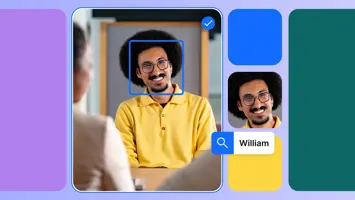
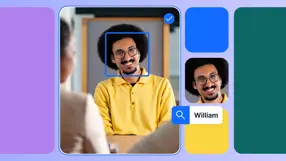
A structured, governed system of record with rich, structured metadata is key to an effective MCP experience. AI Search preprocesses assets into a machine-readable form on upload using facial recognition, Text-in-Image, and Speech-to-Text, while Natural Language Search makes it possible to find relevant assets beyond keywords alone.
The Enrichment Agent adds another layer of context by enriching assets with metadata mapped to the business’s taxonomy. Together, AI Search and the Enrichment Agent give the AI assistant richer, more structured information to search against when retrieving content through MCP.
How could Bynder MCP transform your workflows?
Going forward, the opportunity from Bynder MCP is broader: a connected MCP ecosystem in which an AI interface can draw on information held across different enterprise systems, while Bynder continues to act as the system of record for approved assets, metadata, taxonomy, brand guidelines, and governance.
The vision is a single interface or workspace where users ask for what they need and the relevant systems provide information behind the scenes. In that model, teams spend less time navigating individual applications, while Bynder supplies the governed content and context required for the task. This supports the goal of enabling greater content output and velocity without requiring teams to change how and where they are already working.
It also puts more emphasis on starting with the approved content a business already has before creating something new. By surfacing approved source content and its context inside the AI environment where the user is working, MCP creates more opportunities to reuse an asset directly or select it as the starting point for repurposing, rather than defaulting to net-new creation.
In that model, rights metadata, licensing visibility, approval status, geography, and usage conditions can be considered before an asset is selected for use. Digital rights management becomes part of that decision earlier in the workflow, giving teams greater visibility into the conditions attached to existing content before it is activated.
AI assistants are making tasks such as content creation and copywriting faster and easier to complete in the same workspace. Bynder MCP keeps the relevant brand guidelines available within that workflow, helping teams stay on-brand as they create or review content rather than switching systems to find the rules they need.
The longer-term shift is not about replacing the DAM with an AI interface; it is about making Bynder available as the governed infrastructure behind that interface, so approved content, brand guidelines, rights information, and other DAM context can support more connected workflows wherever teams are working.
Your system of record for the AI era
Bynder MCP connects AI assistant user interfaces with the governed assets, metadata, permissions, and published brand guidelines held in the DAM.
Today, that means conversational asset search and access to published brand guidelines without leaving a compatible AI assistant. From there, Bynder MCP can work alongside MCPs for systems such as PIM, CMS, and marketing automation. As the content supply chain evolves, Bynder can continue to serve as the governed system of record behind those connected workflows.
Book a demo and talk to one of our experts to see what Bynder MCP can achieve for your organization.